🌿 VietCodex · Family memory app

Keep their voice,
not just their photo

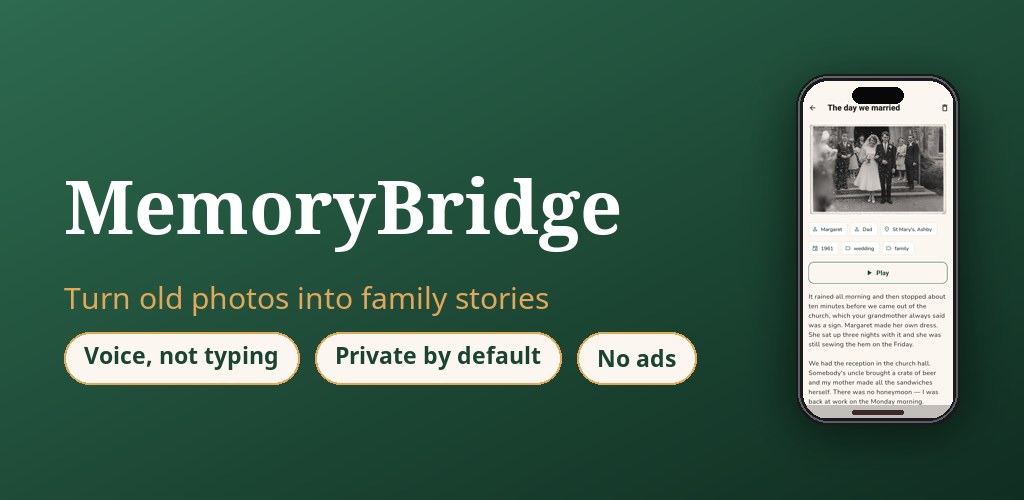
Your parents' stories aren't in the photos — they're in the way they tell them. MemoryBridge turns an old photo into a story recorded in their own voice, written down word for word, and kept where your family will actually find it.

No typing · Private by default · No ads, ever · 7 languages

MemoryBridge — turn old photos into family stories told in their own voice

Three steps. Four minutes.

Most people wait until a parent is gone to wish they had recorded them. This takes one Sunday afternoon.

1

Scan an old photo

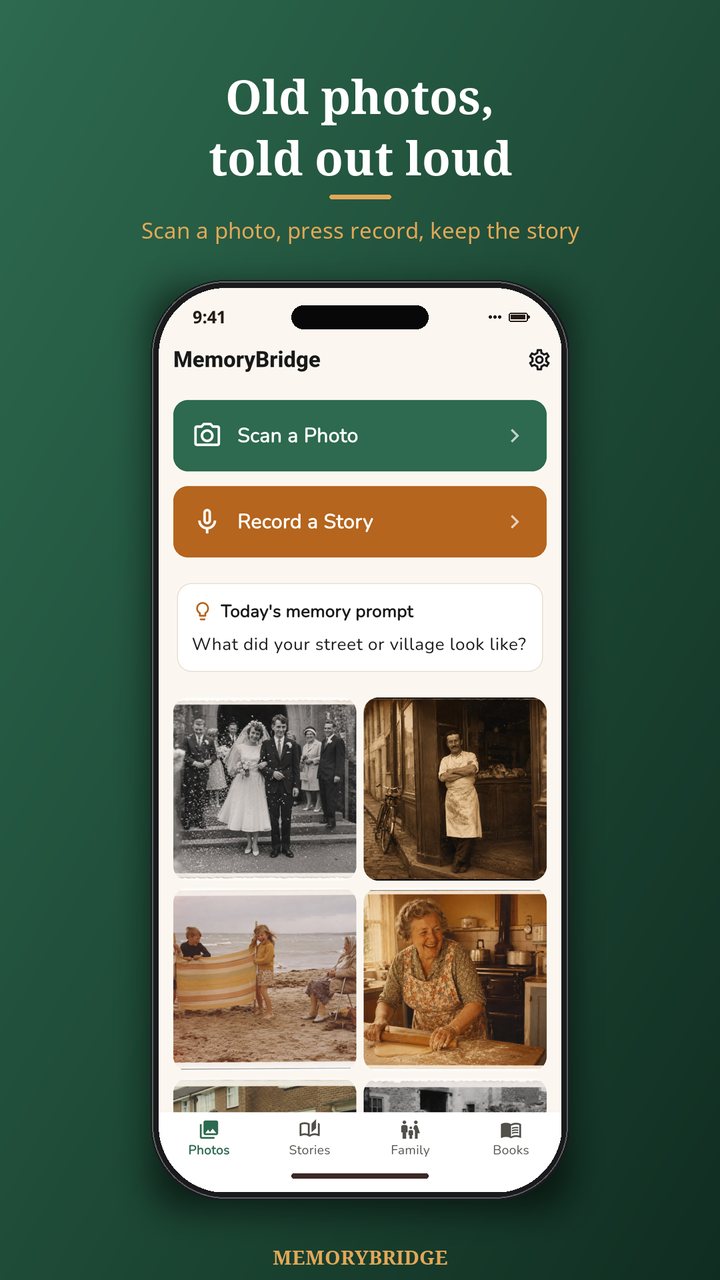
Point the camera at a print from the shoebox, or pick one already on the phone.

2

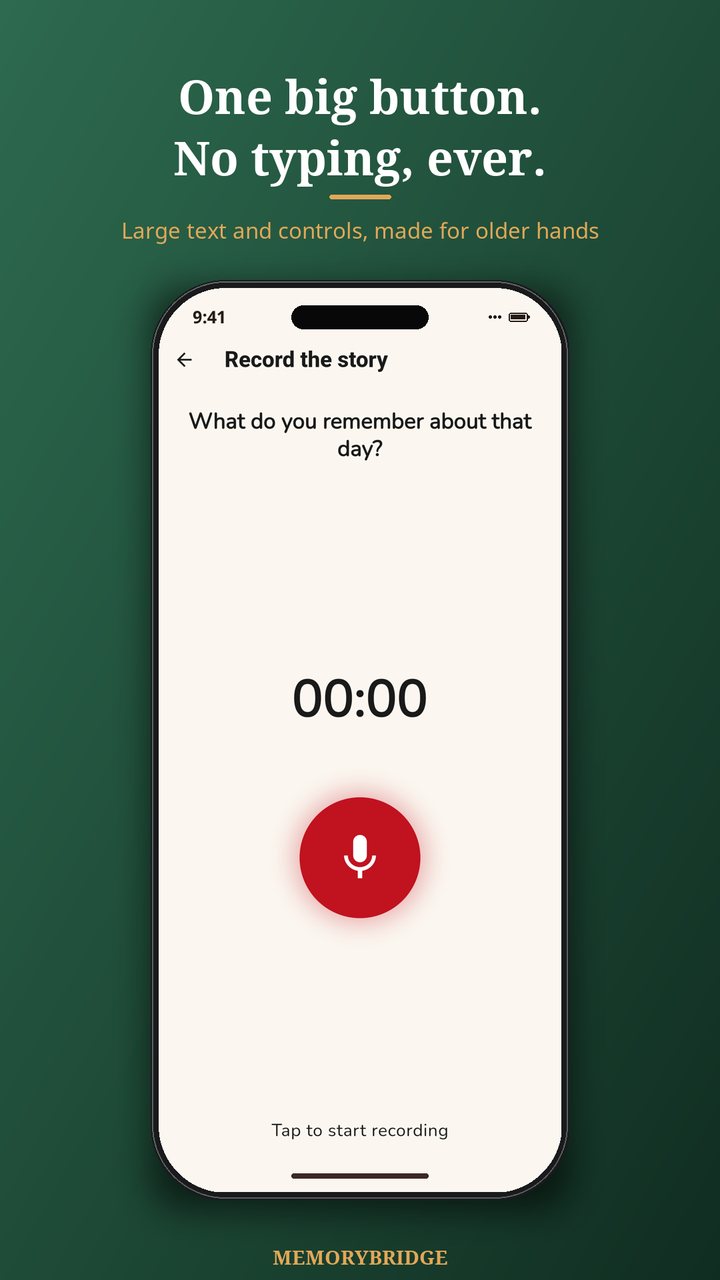
Press the red button

Hand them the phone and let them talk. Nothing to type. Gentle follow-up questions when they run dry.

3

Keep it forever

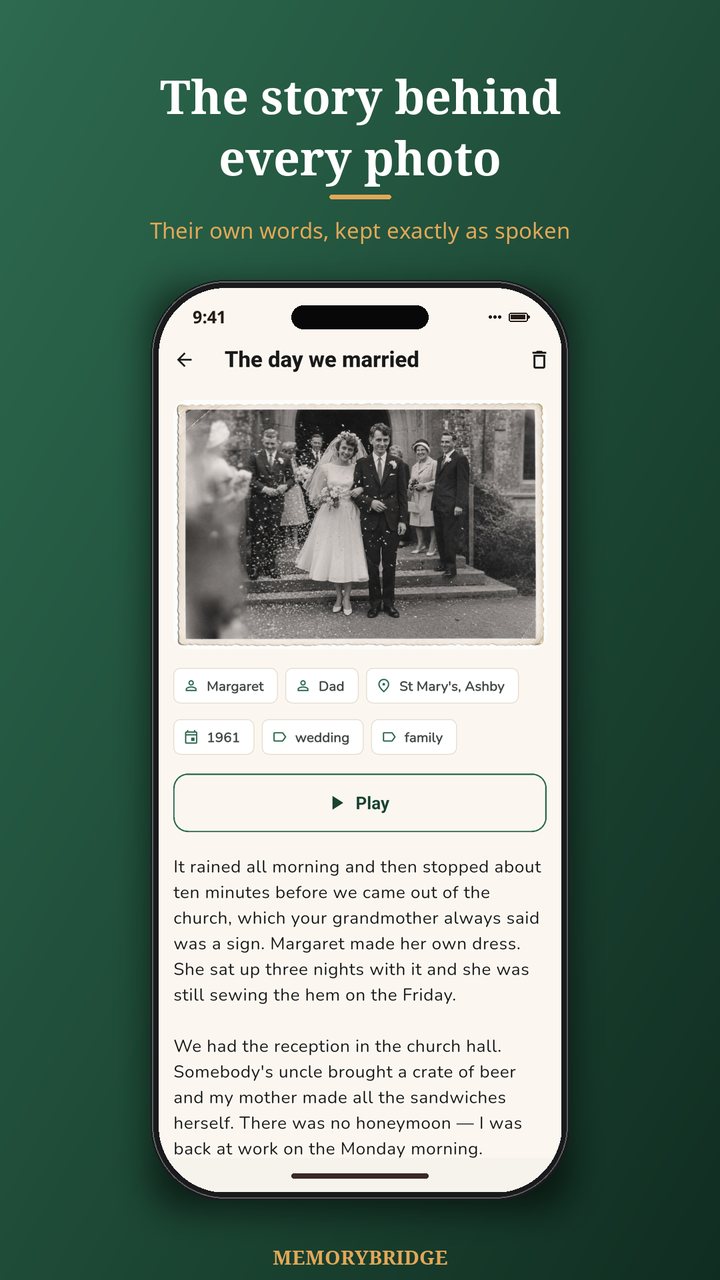
The recording stays in their voice, the words are written down, and the memory is filed by decade.

Built for the person telling the story

Large text, one action per screen, and an app that never asks an 82-year-old to type a paragraph.

🎙️

Their actual voice

The original recording is kept and played back, not just a transcript. That is the part families miss most.

✍️

Written down, never invented

The AI transcribes what was said and tidies punctuation. It never adds a detail and never clones a voice.

Follow-up questions

When someone runs out of things to say, the app suggests the next question — grounded in what they just told you.

🕰️

A life by decade

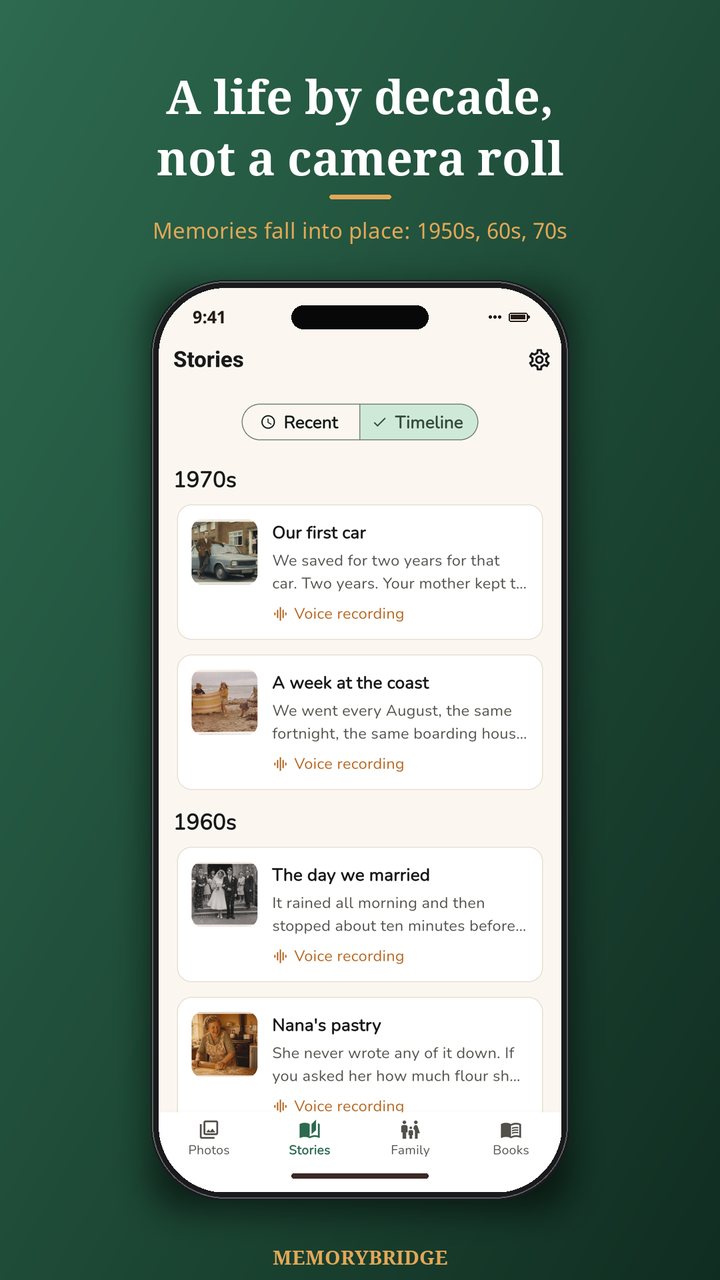
Memories fall into place by year, so loose photos slowly become something that reads like a life.

👪

A private family circle

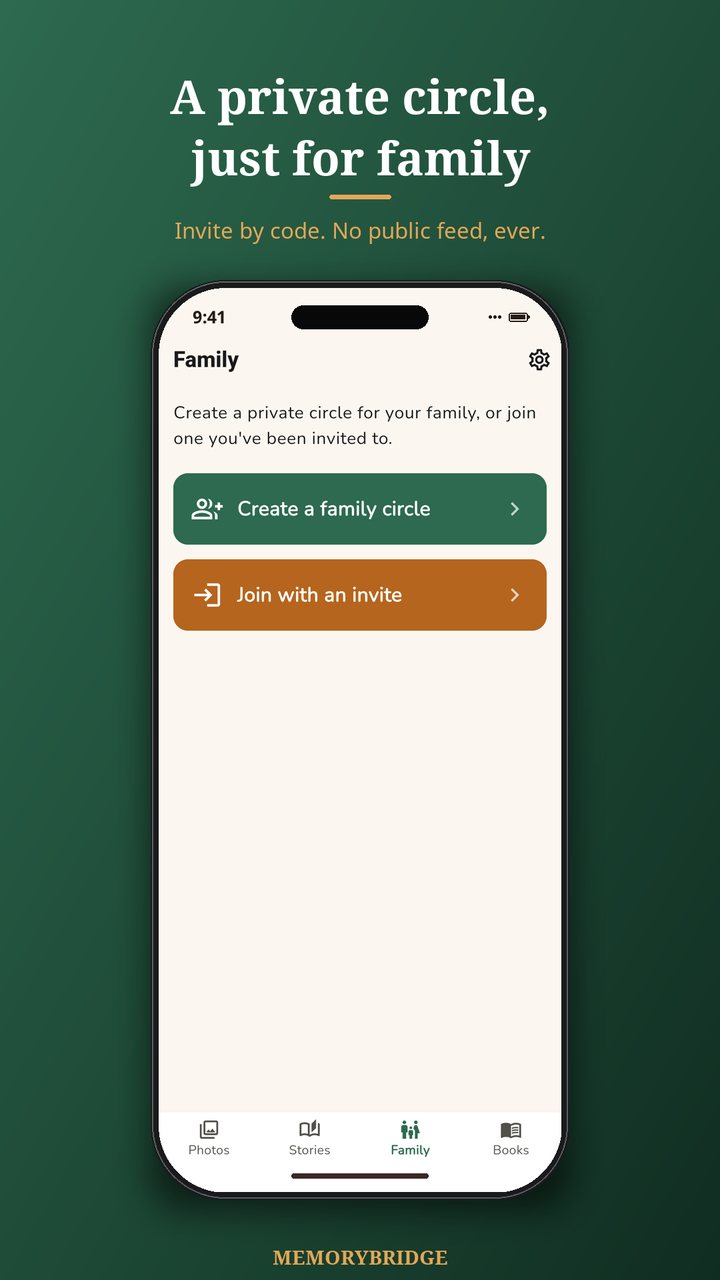
Invite brothers, sisters and children with a code. You decide who can add and who can only read.

📖

A printable memory book

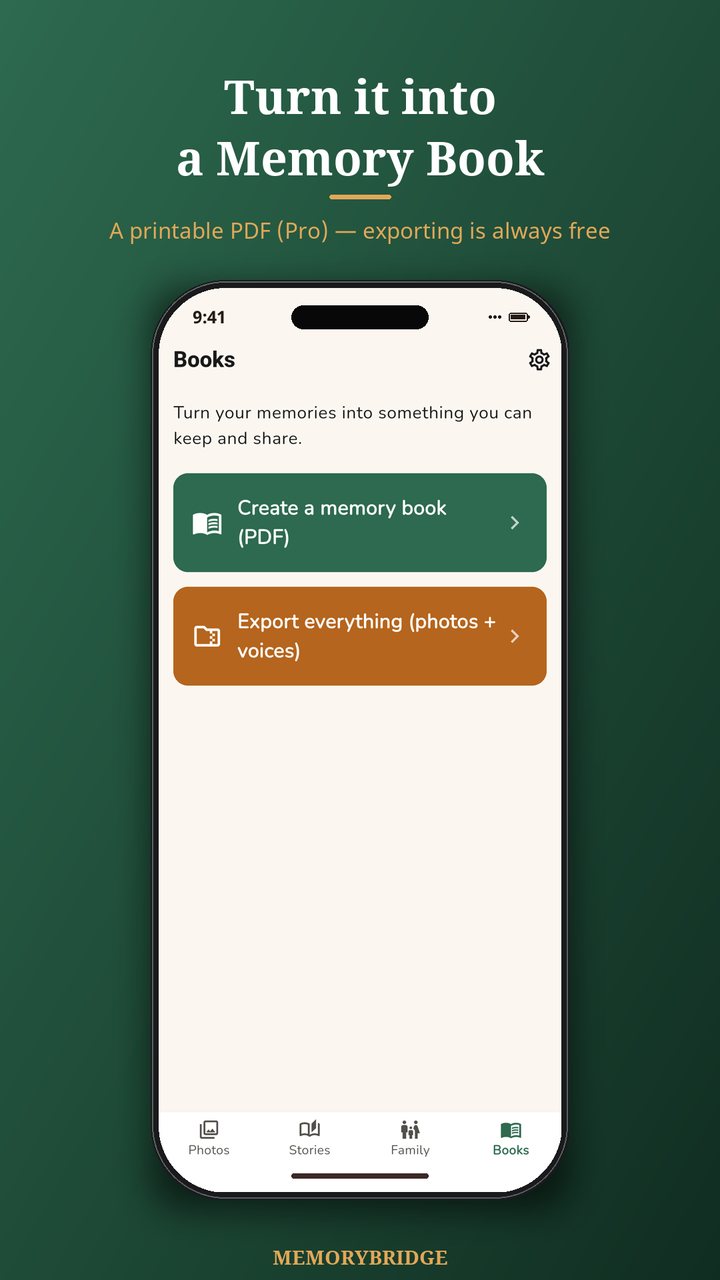
Your own cover, a dedication page and a chapter for each decade — as a PDF you can print and hand out (Pro).

🖼️

Restore faded photos

Bring colour and sharpness back to a print that has spent forty years in an album. Three free, then Pro.

🎧

A voice archive

Every recording as a numbered playlist with a contents page — play your father's stories end to end in the car (Pro).

🌍

Seven languages

English, German, French, Italian, Spanish, Dutch and Polish — the story is written in the language they spoke.

☁️

A safety net

Sign in and back everything up, so a lost phone never means a lost voice. Only you can read it, stored in the EU (Pro).

📤

Yours to take

Export every photo, recording and transcript at any time, free. Your family's archive is never locked in an app.

What it looks like

Nothing clever. Big buttons, plain words, and a story at the end of it.

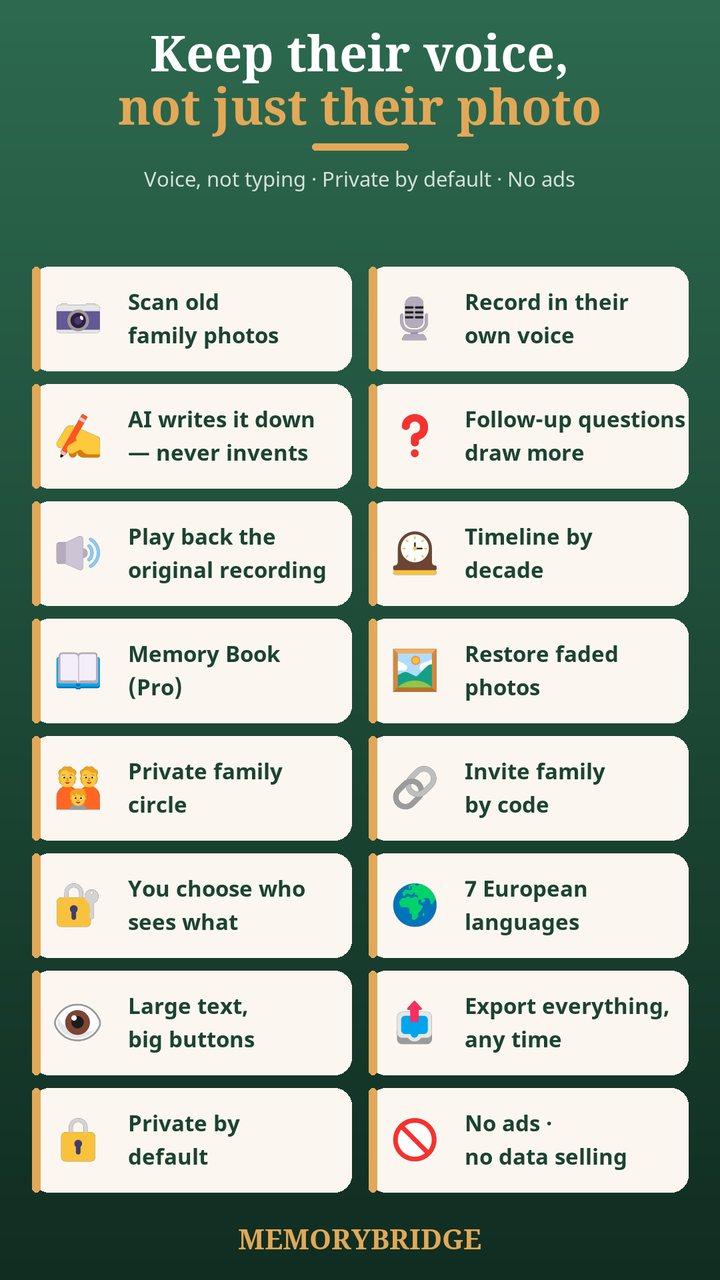
Photo album of family memories in MemoryBridge The story behind a photo, written from the recording Memories arranged on a timeline by decade One big red record button, no typing A private family circle you join with a code Turn memories into a printable memory book Overview of MemoryBridge features No ads and no tracking in MemoryBridge

Free and Pro

The free app is the whole app: recording, transcription, the family circle and exporting everything. Pro adds the keepsakes and the safety net: the designed book, the voice archive, cloud backup, and unlimited photo restoration.

What you getFreePro
No ads, no tracking, nothing sold
Record a story behind any photo
Keep and play back the original voice
AI writes the story down, word for word
Follow-up questions when they run dry
Prompt library — what to ask this week
Timeline by decade
Private family circle — invite by code
Share memories with the whole family
Choose who can add and who can only read
Seven languages, including the written story
Large text and big buttons throughout
Export every photo, recording and transcript
Delete everything, including the cloud copies
Try AI photo restoration — 3 photos free
Sign in with Google or Apple (optional)
Pro adds
Cloud backup — get every memory back on a new phone
Printable memory book (PDF) of every story
Design the book: cover, dedication, chapters by decade, A4 or Letter
Voice archive — every recording as a numbered playlist you can play in the car
Unlimited AI restoration of faded and scratched photos

MemoryBridge Pro — US$29.99, paid once. No subscription, nothing renews, and the price is shown in your own currency before you buy. Nothing you have already recorded is ever taken away if you stay on Free.

Their life story is not advertising data

A family memory app is only worth using if you can trust it with the memories.

On your deviceNothing is uploaded until you choose to share it.
Never trains AIYour recordings never train any model. No cloned voices.
No ads, no sellingNo banners, no tracking, nothing sold to anyone.
Leave any timeExport everything in one archive, free, whenever you like.

Record one story this Sunday

It takes four minutes and it is the one thing you cannot do later. MemoryBridge is free to use — Pro only adds the printable memory book.

Frequently asked questions

What does MemoryBridge do?

MemoryBridge turns an old family photo into a story told out loud. You scan or pick a photo, press one big button, and your parent talks. The app keeps the original recording, writes down what was said, and files the memory by decade so a shoebox of loose photos slowly becomes a life story.

Is it easy enough for someone in their eighties?

That is who it was designed for. There is nothing to type: large text, large controls, one action per screen, and a single red record button. If they can press one button, they can use it.

Does the AI make things up?

No. The AI transcribes what was actually said and tidies the punctuation. It never invents a detail and never clones a voice. Your recordings are never used to train any AI model, and you can switch the AI off entirely and still use the whole app.

Who can see our family memories?

Nobody, unless you invite them. Memories are stored on your device by default. If you create a family circle, only people you invite with a code can see the memories you choose to share, and you decide who can add and who can only read. There is no public feed and no algorithm.

Can I get the stories out of the app?

Yes, at any time and for free. Export everything — photos, recordings, transcripts and a machine-readable file — as a single archive. MemoryBridge Pro additionally turns your memories into a printable memory book as a PDF.

Which languages does it support?

English, German, French, Italian, Spanish, Dutch and Polish — including the follow-up questions and the written story, so the app writes in the language your relative actually spoke.

Is MemoryBridge free?

Yes. Recording, playing back the original voice, the written transcript, follow-up questions, the timeline, the private family circle and exporting everything are all free, with no ads and no tracking. MemoryBridge Pro is optional and costs US$29.99 once, with no subscription. It adds the printable memory book as a PDF (with your own cover, dedication and chapters by decade), the voice archive that turns every recording into a playlist, cloud backup so you can get everything back on a new phone, and unlimited AI restoration of faded photos — you get three restorations free before that.